Working with Transcripts
Playback, search, and chat with your recordings.
Playback & Navigation
- Audio Player: Use the controls to play, pause, or scrub through the audio.
- Auto-Scroll: Enable the auto-scroll feature to have the transcript automatically scroll to the current spoken sentence during playback.

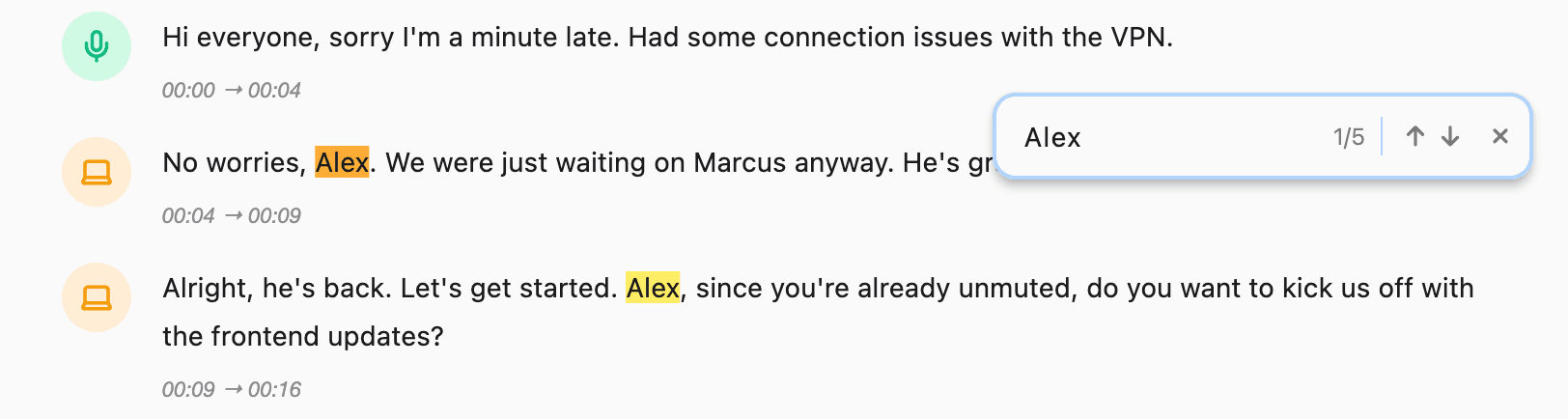
- Search: Use the text search(Cmd + F) feature to find specific keywords or phrases within the transcript.
Chat with Transcript
This is one of Silkwave's most powerful features. You can instantly move a transcript into the Chat interface to analyze it.
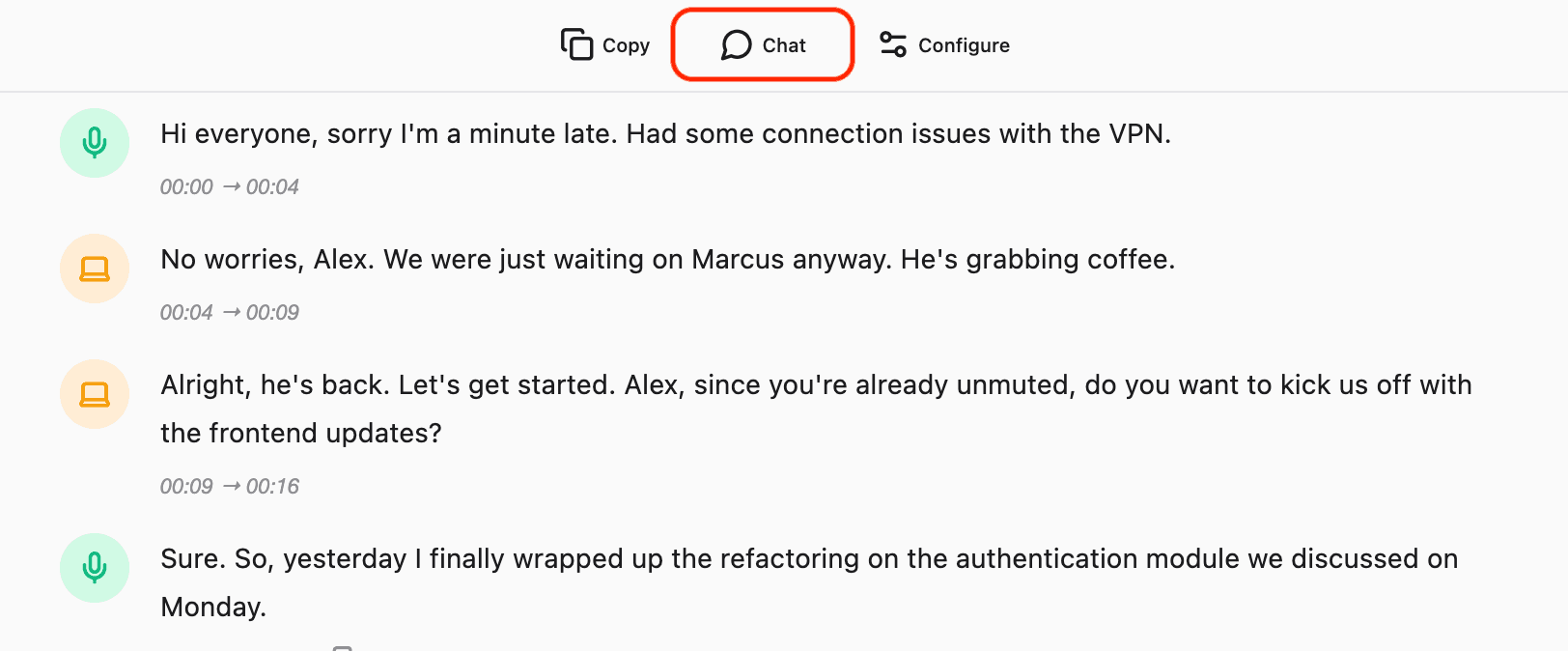
- Open a recording.
- Click the Chat icon in the toolbar.
- This creates a new Chat session with the entire transcript pre-loaded.
- You can now ask questions like:
- "Summarize this meeting into bullet points."
- "What were the action items mentioned?"
- "Draft a follow-up email based on this call."